Google Ads conversions not tracking form submissions? 7 causes and how to fix them
If Google Ads shows fewer (or more) leads than your inbox, your campaigns are optimising for the wrong thing. Here are the seven most common causes and the fix for each.
 Balwan Singh5 Oct 20263 min read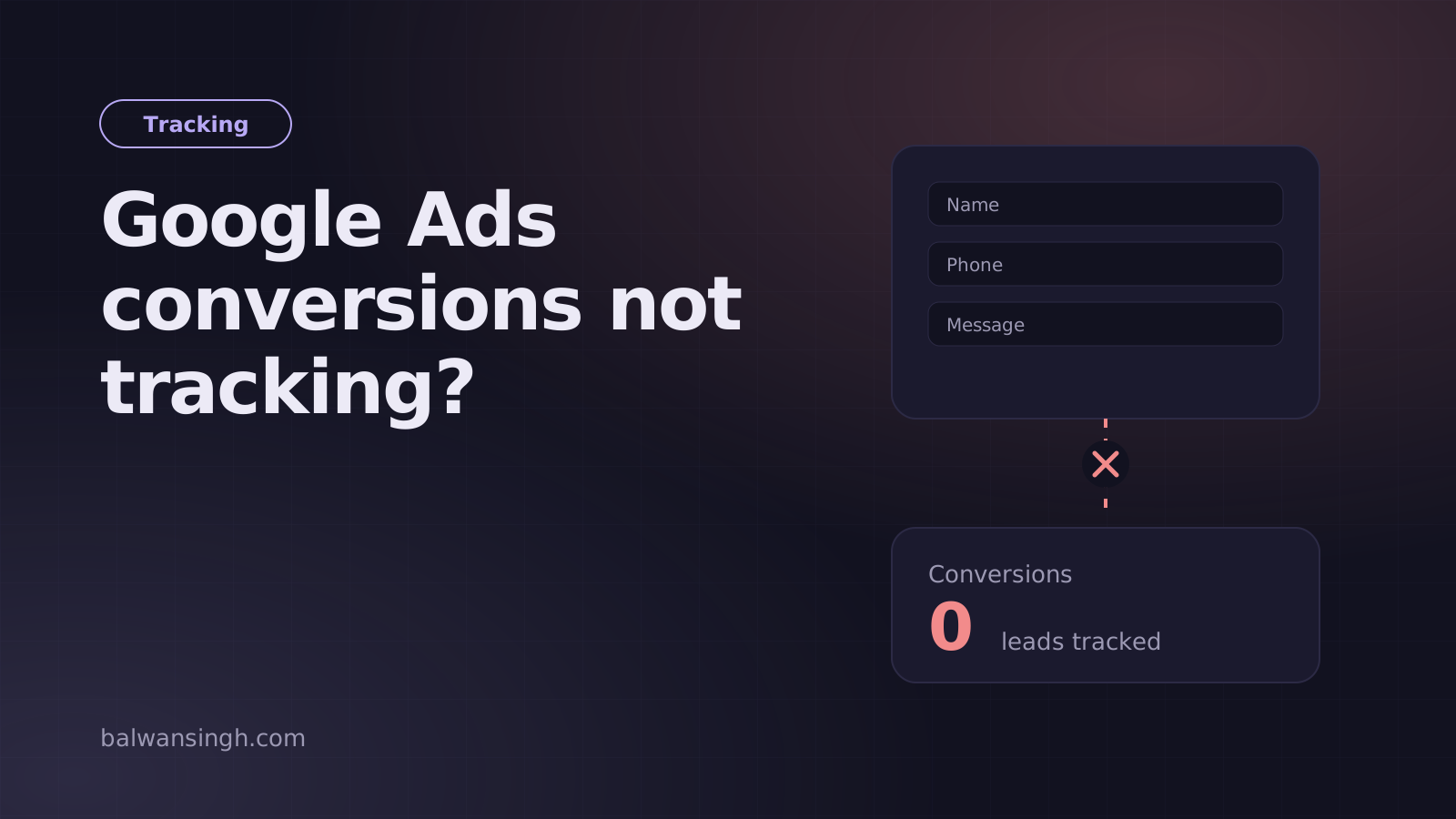
Google Ads uses your conversion data to decide who sees your ads and how much to bid. When form submissions are not tracked correctly, the algorithm learns from bad data. You either pay for clicks that never convert, or you starve campaigns that actually work.
The good news: almost every broken setup comes down to one of seven causes. Here is how to find yours.
First, confirm the problem
Before changing anything, compare three numbers for the same date range:
- Real leads received (CRM, inbox or Google Sheet)
- Conversions reported in Google Ads
- The matching event count in GA4
If they differ by more than about 10–15%, something is broken. A small gap is normal because of attribution windows and ad blockers.
1. The tag fires on page load, not on submit
This is the most common mistake. The conversion tag is set to fire on "All Pages" or on the contact page itself, so every visitor who views the form counts as a lead.
Fix: fire the conversion only after a successful submission, either on a dedicated thank-you page or on a custom event your form pushes to the data layer.
2. The form submits with JavaScript, so no page change happens
Modern forms often submit in the background and show a success message without loading a new page. Google Tag Manager's built-in Form Submission trigger frequently misses these.
Fix: push an event from your code after the server confirms success:
window.dataLayer = window.dataLayer || [];
window.dataLayer.push({ event: 'generate_lead', form_name: 'contact' });
Then create a Custom Event trigger in GTM for generate_lead and attach your Google Ads conversion tag to it.
3. The conversion fires on failed or invalid submissions
If the event fires when the button is clicked, validation errors and spam attempts all count as conversions.
Fix: push the event only after the API returns success. If you use OTP or spam checks, fire it after verification passes.
4. Duplicate tags count each lead twice
A Google Ads tag hard-coded in the site, plus another in GTM, plus an imported GA4 conversion, can triple-count a single lead.
Fix: pick one source of truth. Either use the native Google Ads conversion tag in GTM, or import the GA4 key event, not both as primary conversions. Set the other to secondary in Google Ads.
5. The conversion linker or consent setup blocks attribution
Without the Conversion Linker tag, Google Ads may not connect a conversion back to the click (the gclid). Consent banners that block all tags until consent is given can also hide conversions.
Fix: add the Conversion Linker tag on all pages, and if you use a consent banner, implement Consent Mode correctly so tags respect consent without disappearing entirely.
6. Thank-you page can be reached without submitting
If your thank-you page is indexed, linked in navigation, or reloaded by users, it records conversions that never happened.
Fix: add noindex to the thank-you page, never link to it directly, and set the conversion count to "One" per click for lead actions.
7. Enhanced conversions are not set up
Even with correct tags, browsers and ad blockers lose some data. Enhanced conversions send hashed customer data (like email) with the conversion, improving match rates.
Fix: enable enhanced conversions in Google Ads and pass the hashed email or phone from your form through GTM.
How to test properly
- Open GTM Preview mode and submit the form with real test details.
- Confirm the conversion tag fires once, only after success.
- Check Google Ads' tag diagnostics and GA4 DebugView.
- Wait 24–48 hours and compare numbers again.
When to go further
Once form tracking is right, the next step is importing offline conversions from your CRM, so Google Ads learns which leads became paying customers, not just which ones filled a form. That is where campaigns really start to improve.
If your numbers still do not add up, I offer a tracking audit with a written report of exactly what is broken and how to fix it.
Frequently asked questions
Why does Google Ads show more conversions than real leads?
Should I use the Google Ads tag or import GA4 conversions?
How long until conversions show in Google Ads?
Written by Balwan Singh
Full-stack developer and marketing technologist with 4+ years building websites, tracking, CRM and automation. More about me.