React to Next.js migration: the SEO checklist that protects your rankings
Moving a client-side React site to Next.js can transform speed and visibility, or wipe out traffic if done carelessly. This is the checklist I follow on every migration.
 Balwan Singh18 Sept 20263 min read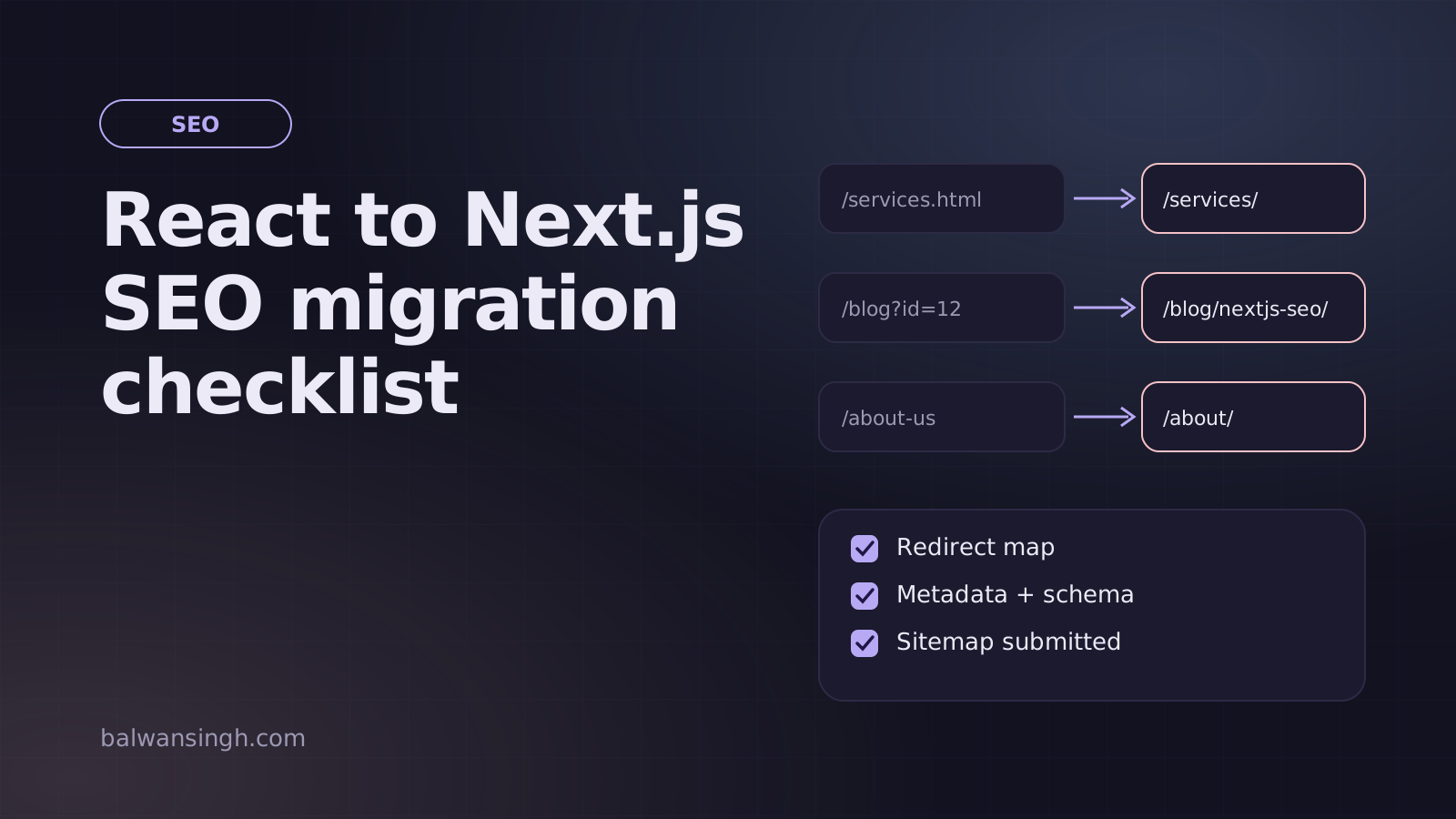
A client-side React app sends the browser an almost empty page, then builds the content with JavaScript. Users on fast laptops barely notice. Search engines and AI crawlers often do: content arrives late, pages are slow on mobile, and important pages rank below what their content deserves.
Next.js fixes this by rendering pages on the server or at build time. In my experience, a well-run migration can take mobile Lighthouse scores from the 30s and 40s into the 90s. But migrations can also lose traffic when URLs, metadata or internal links change without a plan.
Here is the checklist I use.
Before you write any code
1. Export every URL. Combine URLs from your sitemap, Search Console (Pages and Performance reports) and a crawl with Screaming Frog. Include URLs with backlinks, even if they are not in the sitemap.
2. Record your baseline. Save clicks, impressions and positions for your top pages, plus current Core Web Vitals. You will need these to judge success.
3. Decide on URL changes. The safest migration keeps URLs identical. If you must change them, do it now, on paper, not halfway through development.
4. Build a redirect map. Every old URL that changes gets a 301 redirect to its closest new equivalent. Never redirect everything to the home page.
During development
5. Choose the right rendering per page. Static generation for pages that rarely change, server rendering or incremental regeneration for pages that change often, client components only where interaction needs them.
6. Recreate metadata exactly. Titles, descriptions, canonicals and Open Graph tags should match or improve on the old site. In the App Router, use generateMetadata so every page has unique values.
7. Keep headings and content. Do not drop text during redesign. Removed content is the quiet cause of many "unexplained" ranking drops.
8. Add structured data. Organisation, LocalBusiness, BreadcrumbList, FAQPage and Article schema help search engines and AI answers understand the page.
9. Generate sitemaps and robots rules. Next.js can build sitemap.xml and robots.txt from your routes, so they stay in sync automatically.
10. Optimise images and fonts. Use modern formats, explicit sizes and self-hosted fonts to avoid layout shift.
11. Preserve internal links. Navigation, footer and in-content links should point directly to final URLs, not through redirects.
Launch day
12. Block staging, not production. The number of sites launched with noindex still in place is surprising. Check the live robots rules and meta tags.
13. Deploy redirects with the site. Test a sample of old URLs and confirm each returns a single 301 to the right page.
14. Submit the new sitemap in Search Console and request indexing for the most important pages.
15. Verify tracking. GA4, Google Tag Manager and ad conversions must work on the new site from the first minute.
The 30 days after launch
16. Watch Search Console daily for crawl errors, 404s and indexing changes.
17. Compare to your baseline weekly. A small dip in the first one or two weeks is normal. A sustained drop on specific pages points to a missing redirect, lost content or changed metadata.
18. Fix fast. Most post-migration problems are simple once you know which pages are affected.
What results to expect
When the old site was client-rendered, the benefits usually show within weeks: faster pages, better crawling and stronger rankings for pages that were held back. On one coworking website, this process took Lighthouse scores from 30–40 to 90+ and organic traffic doubled within three months.
If you are planning a migration and want it done without losing rankings, I can run the audit and redirect plan, or handle the full move.
Frequently asked questions
Will migrating to Next.js improve SEO?
Should I change URLs during a migration?
How long does it take to see results?
Written by Balwan Singh
Full-stack developer and marketing technologist with 4+ years building websites, tracking, CRM and automation. More about me.