How to send WhatsApp leads into Zoho CRM automatically
WhatsApp is where Indian customers enquire, but most of those chats never reach the CRM. Here is a practical setup that captures every WhatsApp lead with its source.
 Balwan Singh28 Sept 20263 min read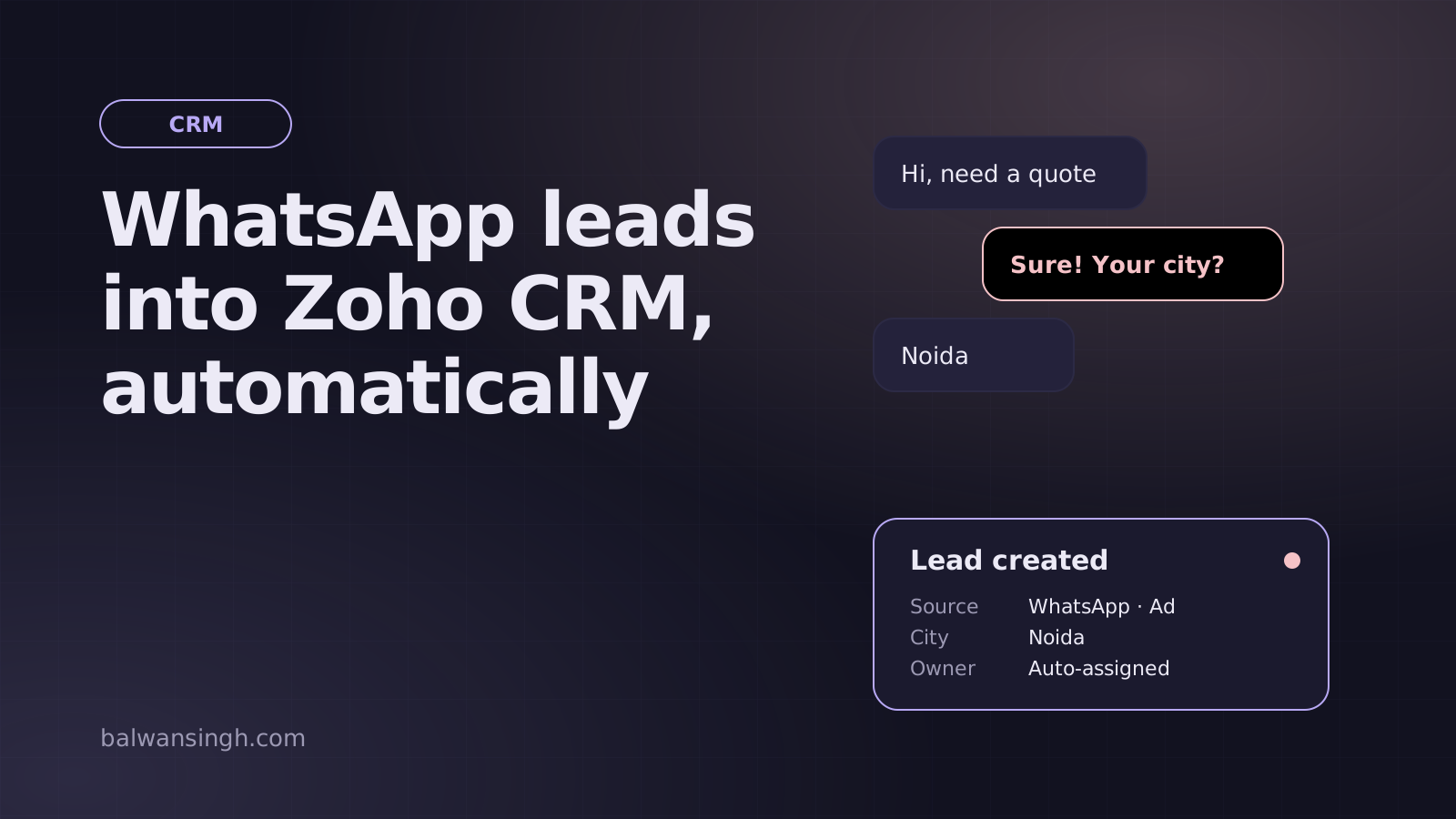
For many businesses in India, WhatsApp brings more enquiries than the website form. Yet those chats usually stay on a phone or a shared inbox. The sales manager cannot see them, nobody knows which ad they came from, and follow-ups depend on memory.
Connecting WhatsApp to your CRM fixes that. Here is how I set it up for teams using Zoho CRM.
What you need
- WhatsApp Business API access through a provider such as Gallabox, Interakt, WATI or AiSensy. The regular WhatsApp Business app cannot integrate with a CRM reliably.
- Zoho CRM (any paid edition supports the APIs and workflows used here).
- A clear lead definition. Decide what makes a chat a lead: a phone number plus at least one answer, for example.
Step 1: Set up a chatbot that collects the basics
Do not create a CRM lead for every "hi". Use a short bot flow to qualify first:
- Greet and ask what they are looking for (show buttons, not free text)
- Ask for name and city
- Ask one qualifying question, such as team size or budget
- Offer to connect them with a person
Buttons keep the data clean, which matters once it lands in the CRM.
Step 2: Capture the source
The most valuable field is the one most setups skip: where the chat came from.
- For click-to-WhatsApp ads, the provider passes ad and campaign details with the first message.
- For website buttons, add a prefilled message with a reference, like "Hi, I'm interested in the Gurgaon office (web-gurgaon)".
- For QR codes, use a different prefilled message per location or campaign.
Map these into Lead Source and Campaign fields in Zoho.
Step 3: Connect the provider to Zoho CRM
Most providers offer a native Zoho integration. Use it when it covers your needs. It typically:
- Creates or updates a lead when the bot flow completes
- Logs the conversation on the lead record
- Lets agents reply from inside Zoho
When the native integration is not enough (custom fields, de-duplication rules, or routing by city), use a webhook. The provider sends the chat data to a small API endpoint you control, and that endpoint calls the Zoho CRM API:
// Simplified: create or update a lead in Zoho CRM
await fetch('https://www.zohoapis.in/crm/v6/Leads/upsert', {
  method: 'POST',
  headers: { Authorization: 'Zoho-oauthtoken ' + accessToken },
  body: JSON.stringify({
    data: [{ Last_Name: name, Mobile: phone, City: city, Lead_Source: 'WhatsApp', Campaign_Source: source }],
    duplicate_check_fields: ['Mobile'],
  }),
});
Use the Zoho API domain for your data centre (.in for India accounts).
Step 4: Avoid duplicates
The same person often fills the website form and messages on WhatsApp. Use upsert with the mobile number as the duplicate check field, and normalise numbers to one format (for example, with the country code and no spaces) before sending.
Step 5: Assign and follow up automatically
Inside Zoho CRM:
- Assignment rules route leads by city, product or round-robin.
- Workflow rules send a WhatsApp template message if a lead is untouched after a set time.
- Blueprints guide the team through consistent stages.
Remember that WhatsApp only allows free-form replies within 24 hours of the customer's last message. After that, you must use approved template messages.
Step 6: Report on it
Create a simple Zoho report or dashboard showing WhatsApp leads by source, response time and status. This is usually the moment a team realises how many enquiries were being lost before.
Common mistakes
- Creating a lead for every message instead of after qualification
- Not storing the source, so WhatsApp looks like one big channel
- Free-text bot questions that produce messy data
- Ignoring the 24-hour messaging window
Done properly, WhatsApp becomes your most measurable channel instead of your least. If you want this set up for your team, I can map your flow and build the integration end to end.
Frequently asked questions
Can I connect the normal WhatsApp Business app to Zoho CRM?
How do I stop duplicate leads?
Can the bot reply automatically after hours?
Written by Balwan Singh
Full-stack developer and marketing technologist with 4+ years building websites, tracking, CRM and automation. More about me.